ZOOMEDIN ,15.6''/18.5''/21.5'' ,1080P FHD Portable Monitor, USB-C HDMI Laptop Extender Monitor for Laptop SDR Travel Monitor with Speakers for Laptop PS5/4 Xbox Switch Phone PC.

ZOOMEDIN ,15.6''/18.5''/21.5'' ,1080P FHD Portable Monitor, USB-C HDMI Laptop Extender Monitor for Laptop SDR Travel Monitor with Speakers for Laptop PS5/4 Xbox Switch Phone PC.

15.6" 1080P60Hz
$960.00
할인가  $960.00 정가 
제품 정보로 건너뛰기
ZOOMEDIN ,15.6''/18.5''/21.5'' ,1080P FHD Portable Monitor, USB-C HDMI Laptop Extender Monitor for Laptop SDR Travel Monitor with Speakers for Laptop PS5/4 Xbox Switch Phone PC.

ZOOMEDIN ,15.6''/18.5''/21.5'' ,1080P FHD Portable Monitor, USB-C HDMI Laptop Extender Monitor for Laptop SDR Travel Monitor with Speakers for Laptop PS5/4 Xbox Switch Phone PC.

$960.00
할인가  $960.00 정가 
Display Size

Product Details

Specifications

  • Screen Frame Rate
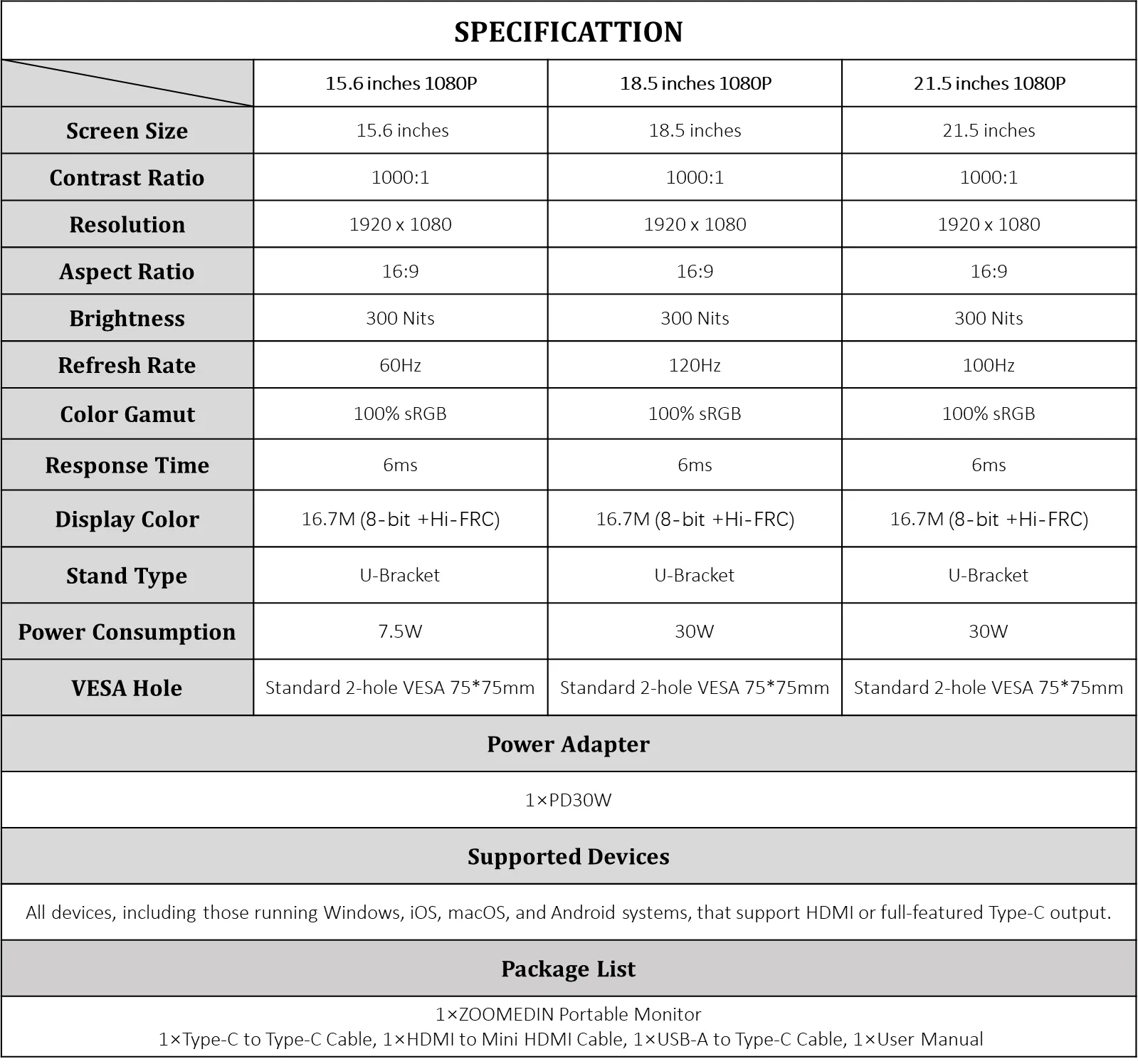
    100 Hz
  • Monitor Feature
    1080p
  • Mounting Type
    Desk Mount
  • Display Features
    Full HD
  • Resolution
    1920x1080
  • Response Time
    not available
  • Power Consumption (W)
    1-500
  • input voltage (V)
    220V
  • Plug Type
    UK
  • Model
    portable monitor
What’s in the box
Adapter: 5V/2A *1;Cables: Black TYPE-C-C *1, Black HDMI *1, Black USB-C *1;User Manual *1

Highlights

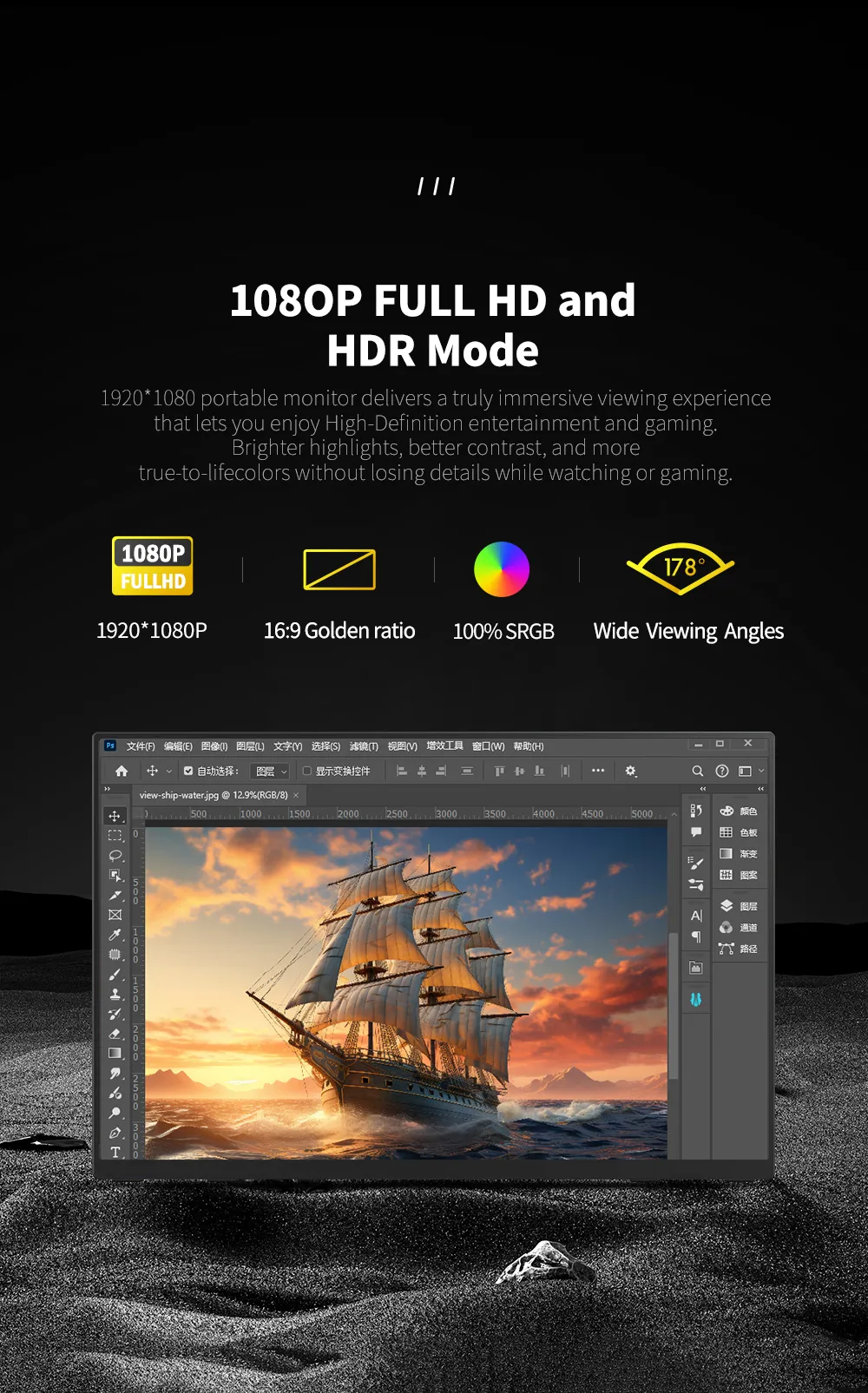
  • The 1080P FHD extra-large screen combined with built-in dual speakers delivers an exceptional audio-visual experience.
  • 100Hz high refresh rate, 100fps smooth display, no motion blur or stuttering in dynamic scenes-silky-smooth frames for gaming, drama-binging and sports!
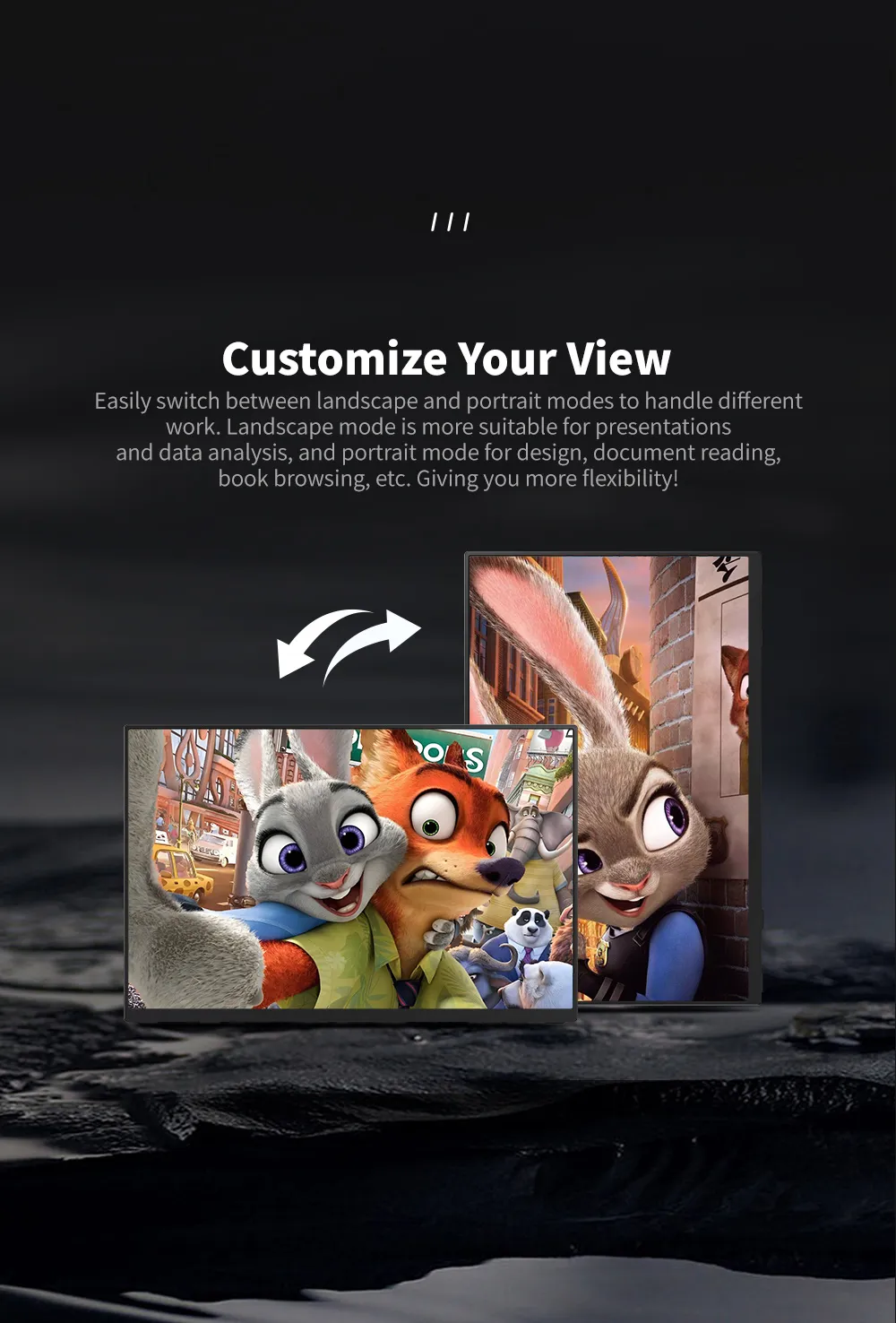
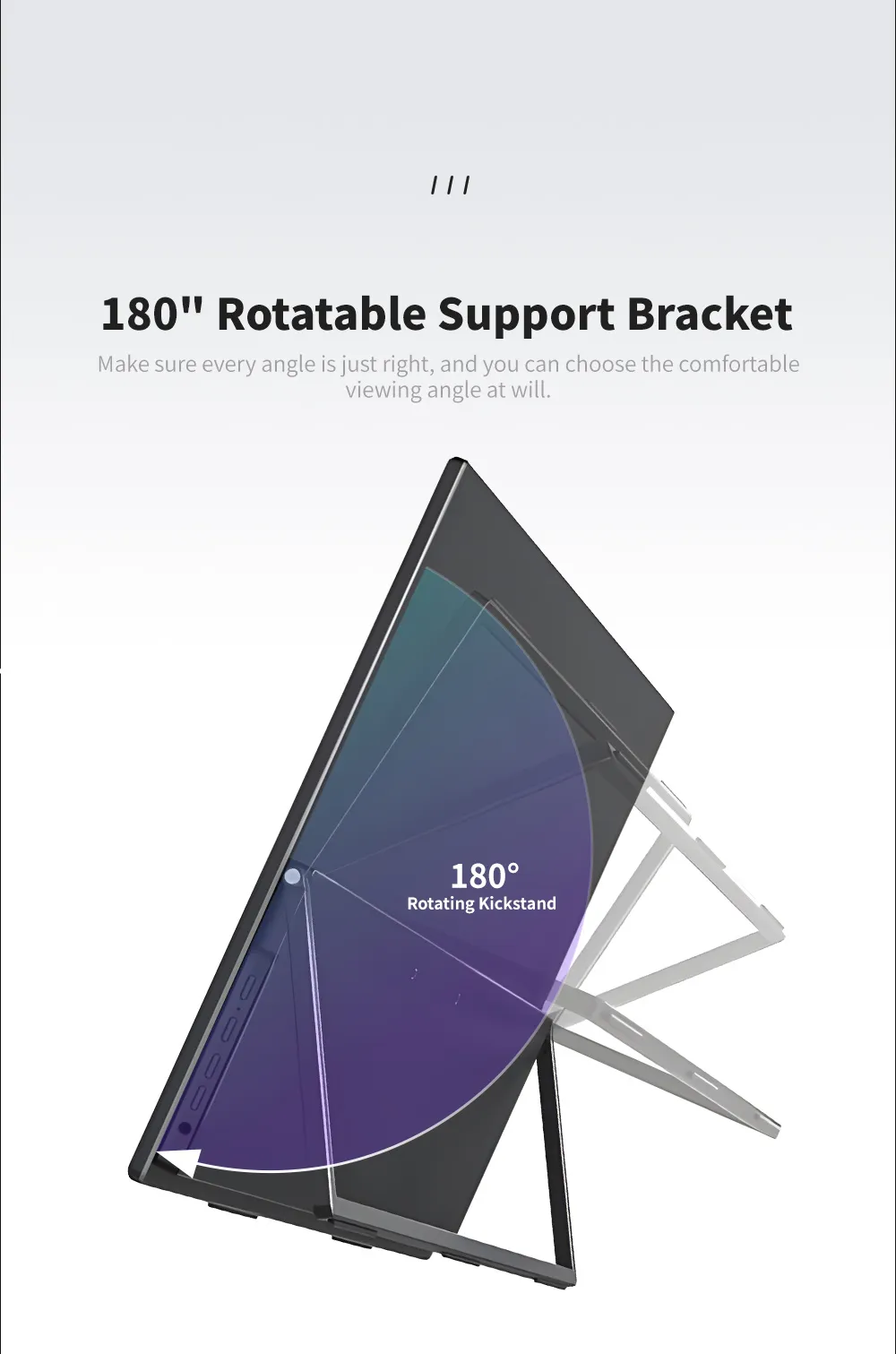
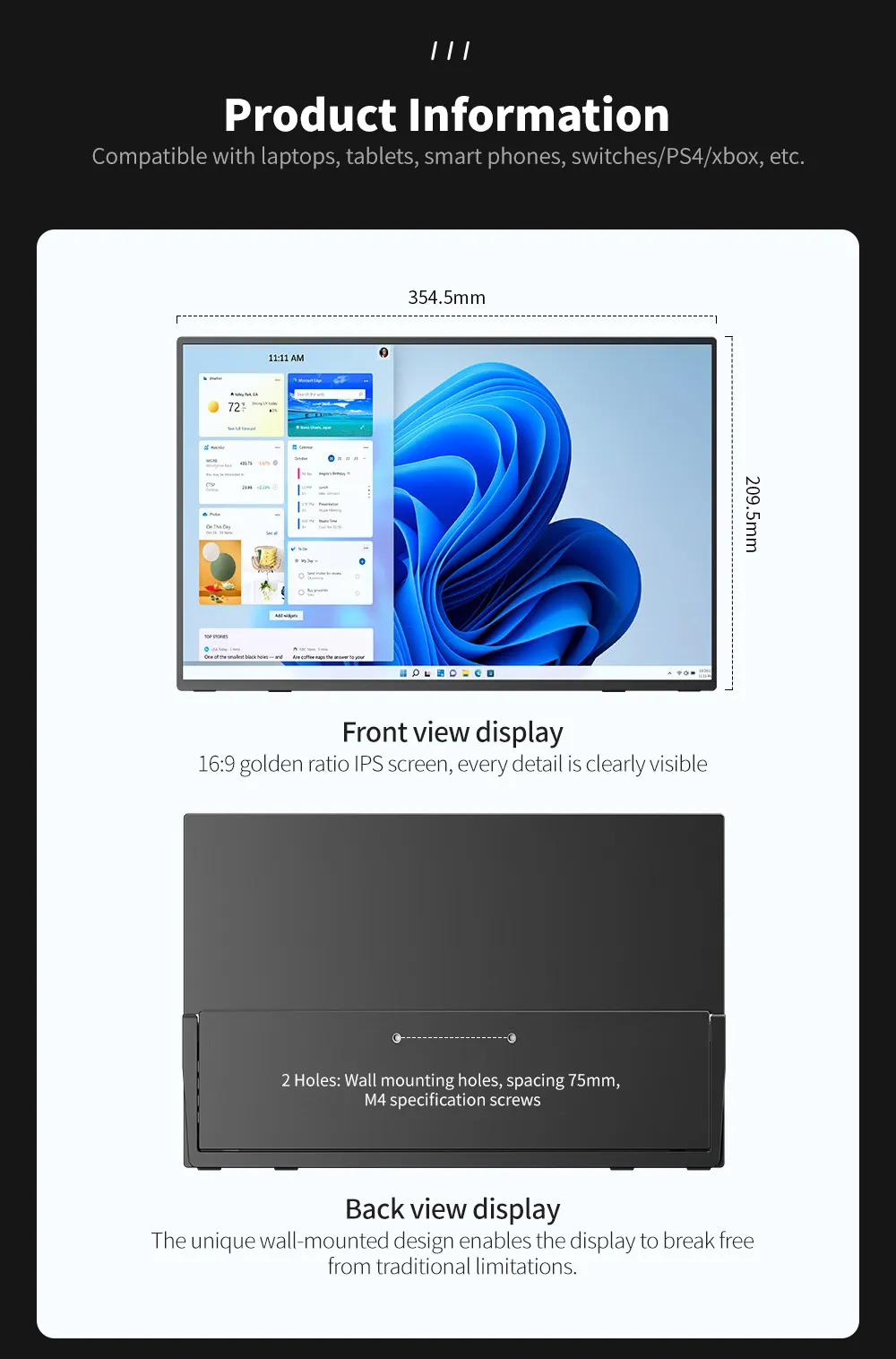
  • The back panel comes with an adjustable stand that allows for multi-angle adjustment.
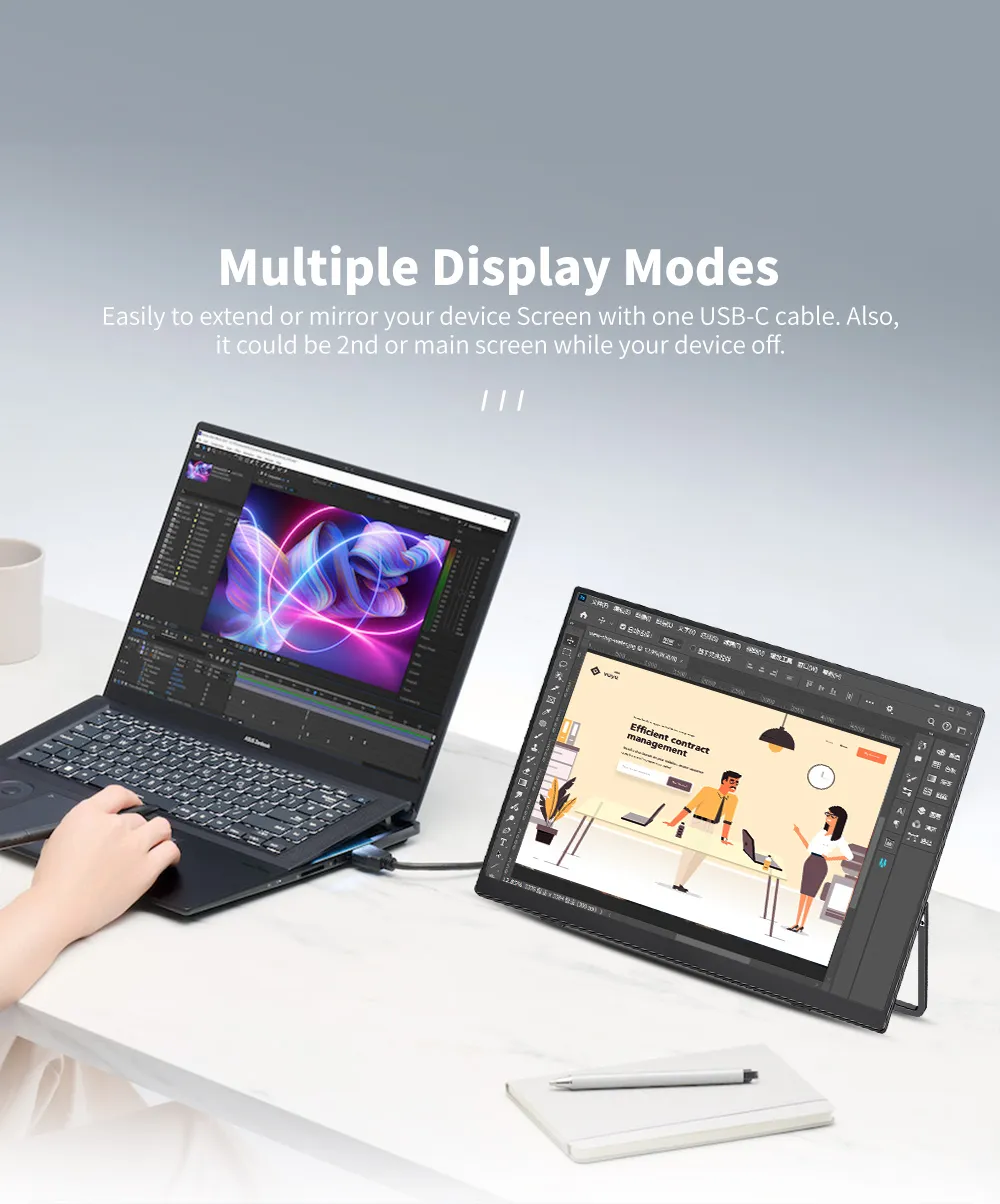
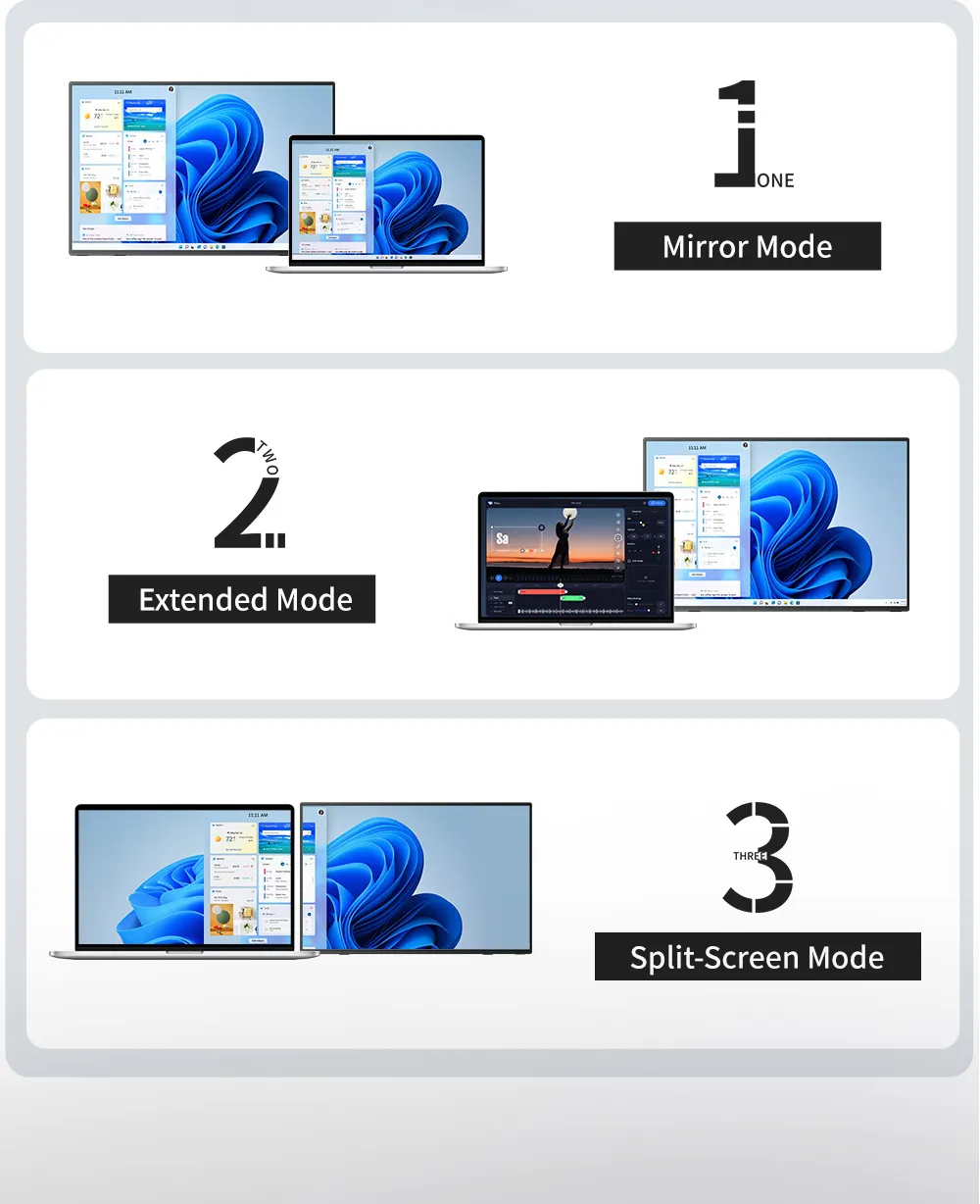
  • Multiple display modes, easily to extend or mirror your device screen with one USB-C.
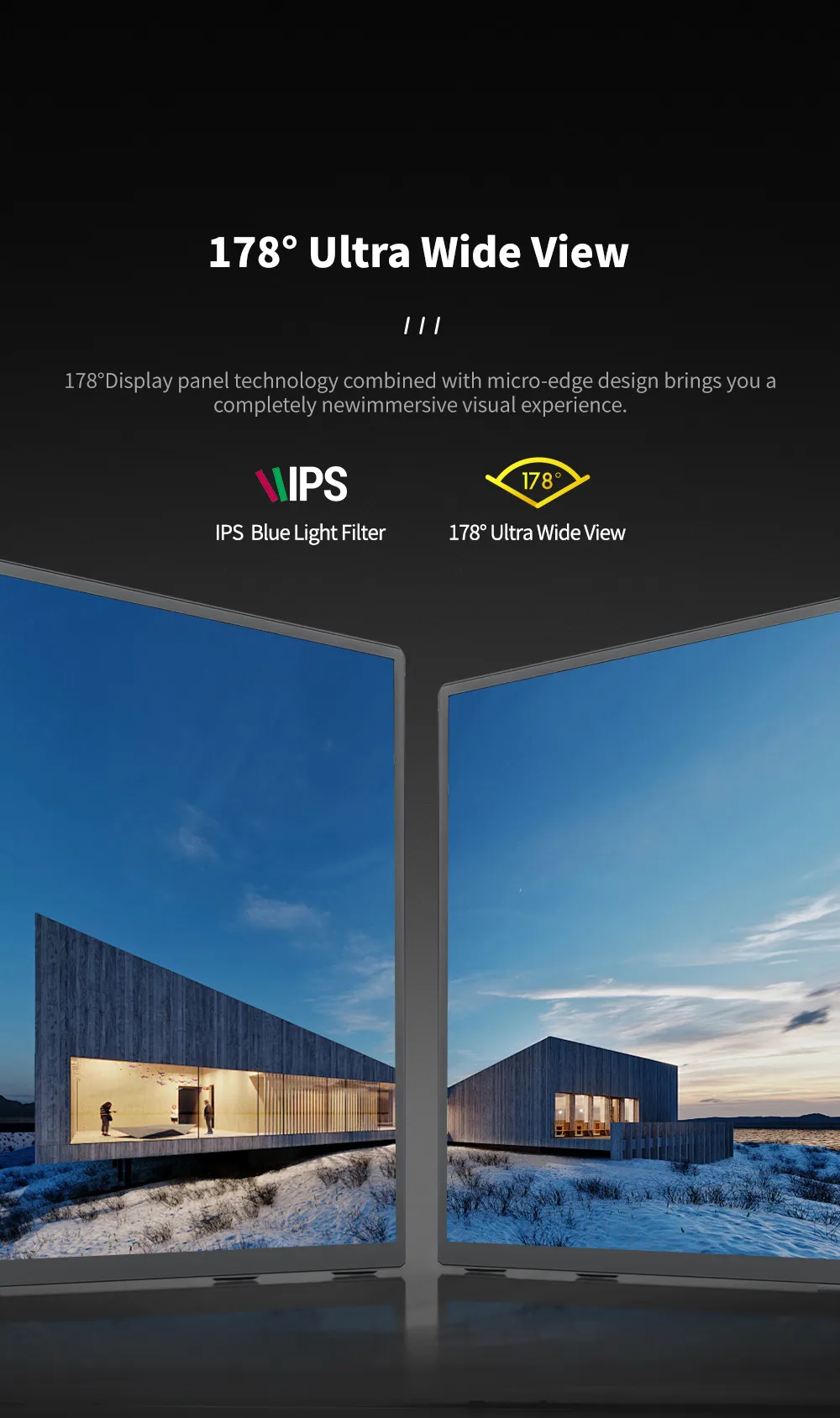
  • The 178° wide viewing angle ensures vivid and accurate visual performance from any perspective.
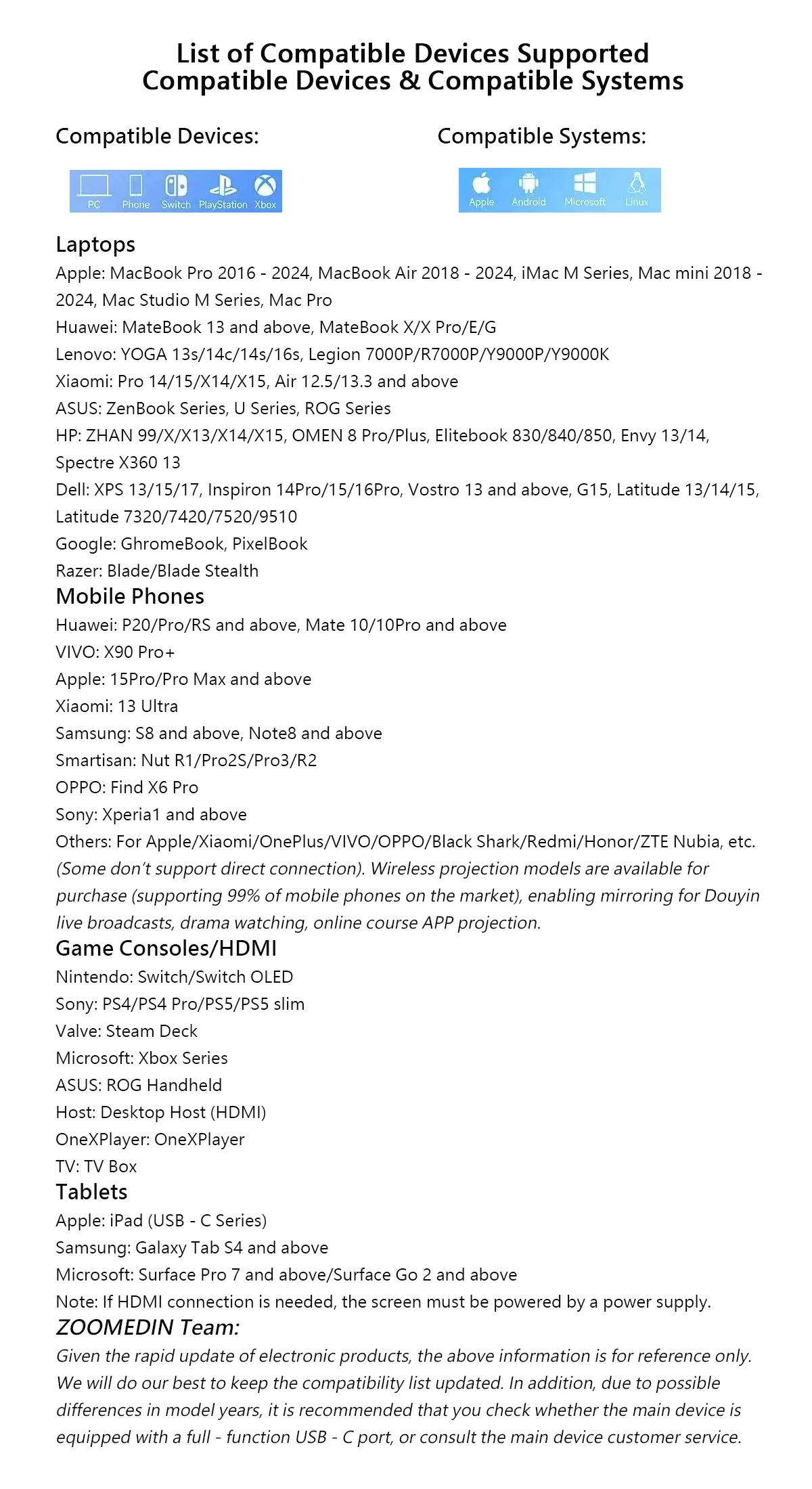
  • This screen supports MAC/Windows/Android/ PS4/PS5/XBOX/SWITCH and other game consoles.
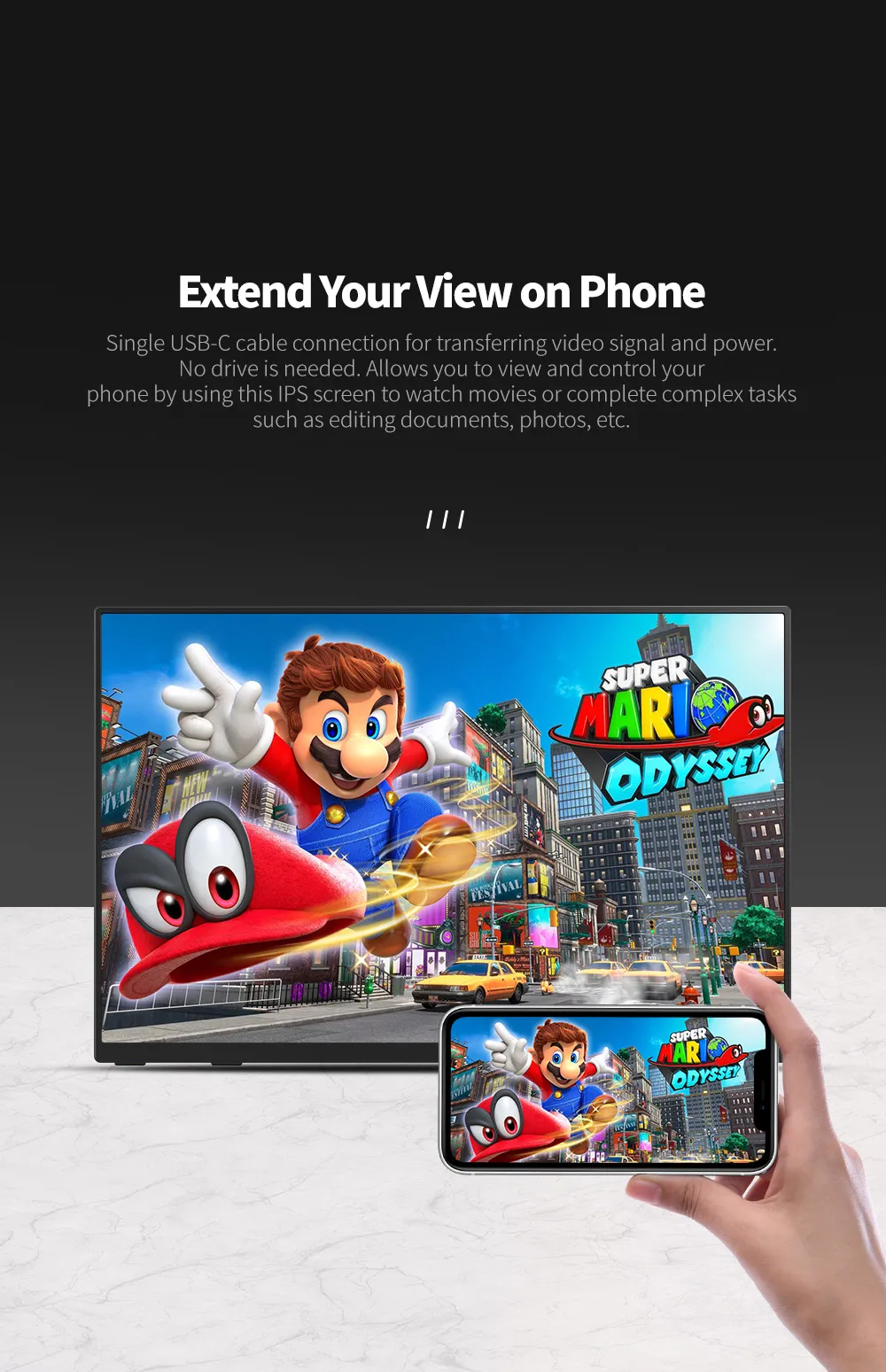
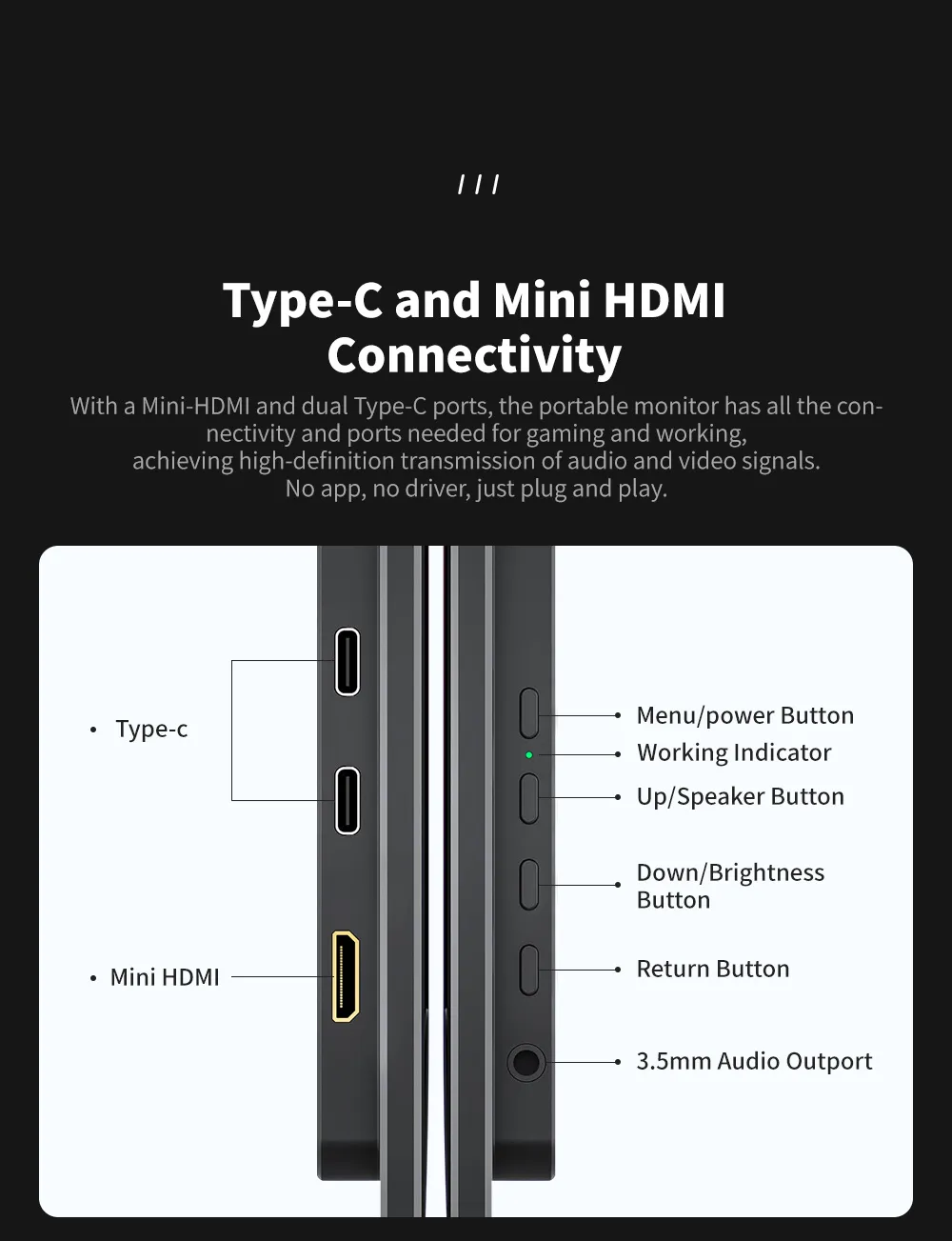
  • Plug and Play No Driver Needed Only One USB-C Cable Needed to Connect to Devices with Full-featured USB-C Ports.
Description


Warm Tips:

  1. If the screen signal is poor or flickers, make sure you are only operating the monitor with the adapter that came with it. With other adapters, the voltage may be insufficient. If the screen still flickers, please swap the HDMI cable to test.
  2. Please check the Type-C port of your PC/Laptop whether it supports the transmission of audio and video signals (Thunderbolt3). If it doesn't, you'll need a "Type-C to HDMI" adapter for signal transmission.
  3. If "No Signal" or "Power Saving Mode" appears, please switch the Type-C cable head to another side and reconnect the monitor.
  4. The monitor turns on in the default power save mode. (Note: No save function in sleep mode, you need to close it manually.)
  5. The portable monitor has no built-in battery, you can't charge it. you can touch it, just connect and get started.


Warranty

ZOOMEDIN Quality you can trust, Comprehensive 2-Year warranty; Schedule quarterly aircon servicing.3 Years International Carry-in and Local On-site Warranty with accessories Coverage.  Next Business Day Local On-site Support. Reach us via ZOOMEDIN Brand website or Chat with our after-service Staff.

You may also like